
Selling food online requires more than just a pretty storefront. You need to manage shelf life, meet strict labeling laws, and more. Therefore, choosing the right tech stack is essential for building trust, ensuring safety, and staying compliant in a highly regulated global industry.
In this blog post, we discuss the top features that an online food store requires and the essential Shopify apps for that.
Specific features food stores require
Unlike general e-commerce, food and beverage stores must manage high-touch logistics and transparency.
Key requirements include:
- Regulatory Compliance: Accurate nutrition, supplement, and allergen labeling.
- Perishable Logistics: Managing delivery windows and local pickup to ensure freshness.
- Traceability: Tracking batch numbers and expiration dates for safety recalls.
- Content Marketing: Using recipes and "how-to" guides to drive engagement.
Our list of Shopify apps for food stores
1. KL - Nutrition Facts Labels
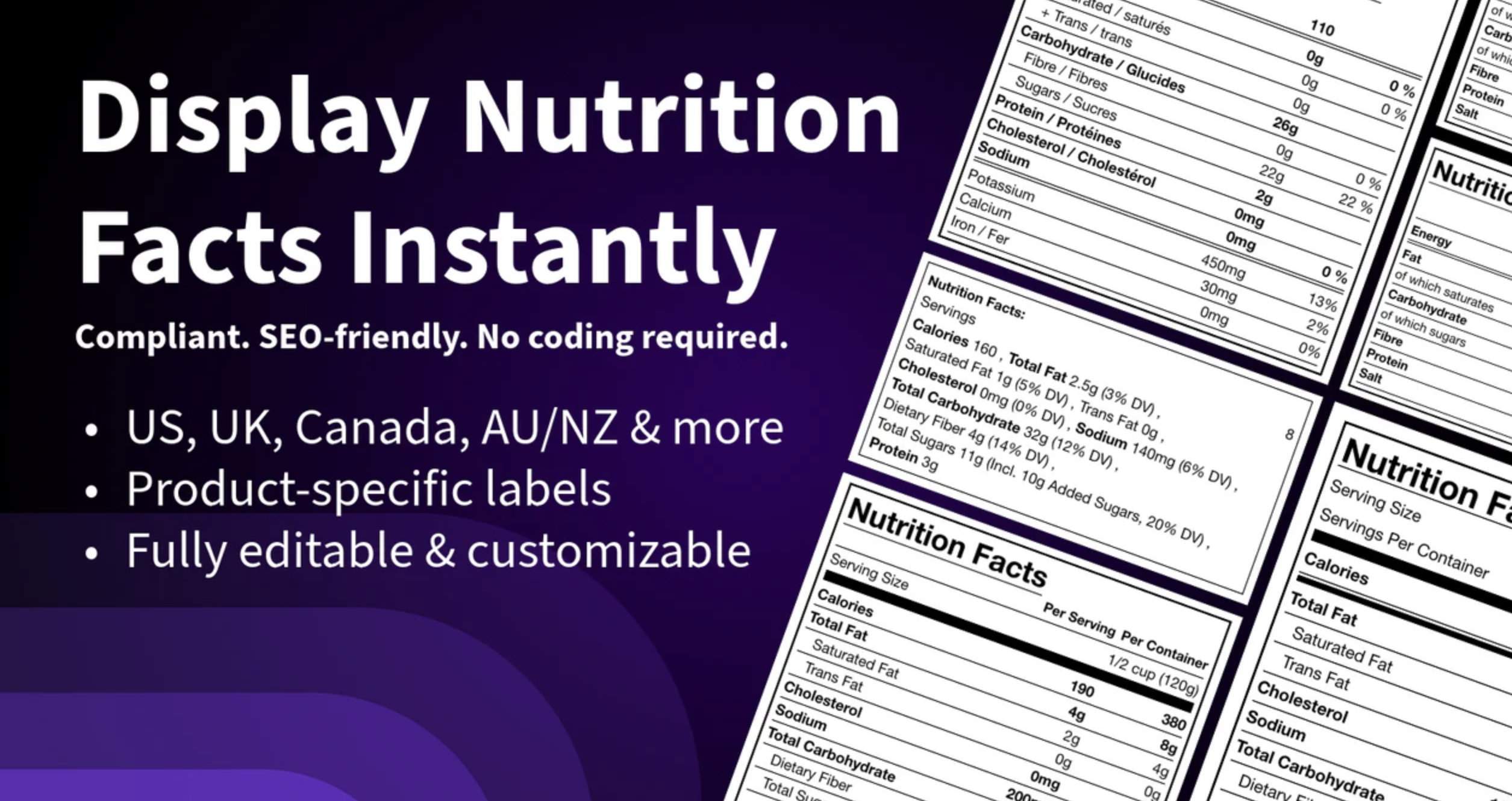
This is a must-have for compliance. It allows merchants to create high-quality, professional nutrition labels for product pages that meet FDA (USA), FSANZ (AU/NZ), and EU standards.
This app generates HTML-based labels, which comply with WCAG/ADA accessibility and are also good for SEO. You can easily create a nutrition label in Shopify and assign to products in a few easy steps.
- Useful for: Nutrition facts & ingredient labels for compliance
- Pricing: $4.99/mo
- Ratings: 5 out of 5
Get FDA & EU Compliant
Try KL Nutrition Facts →2. Recipe Kit – Blog Post Recipes
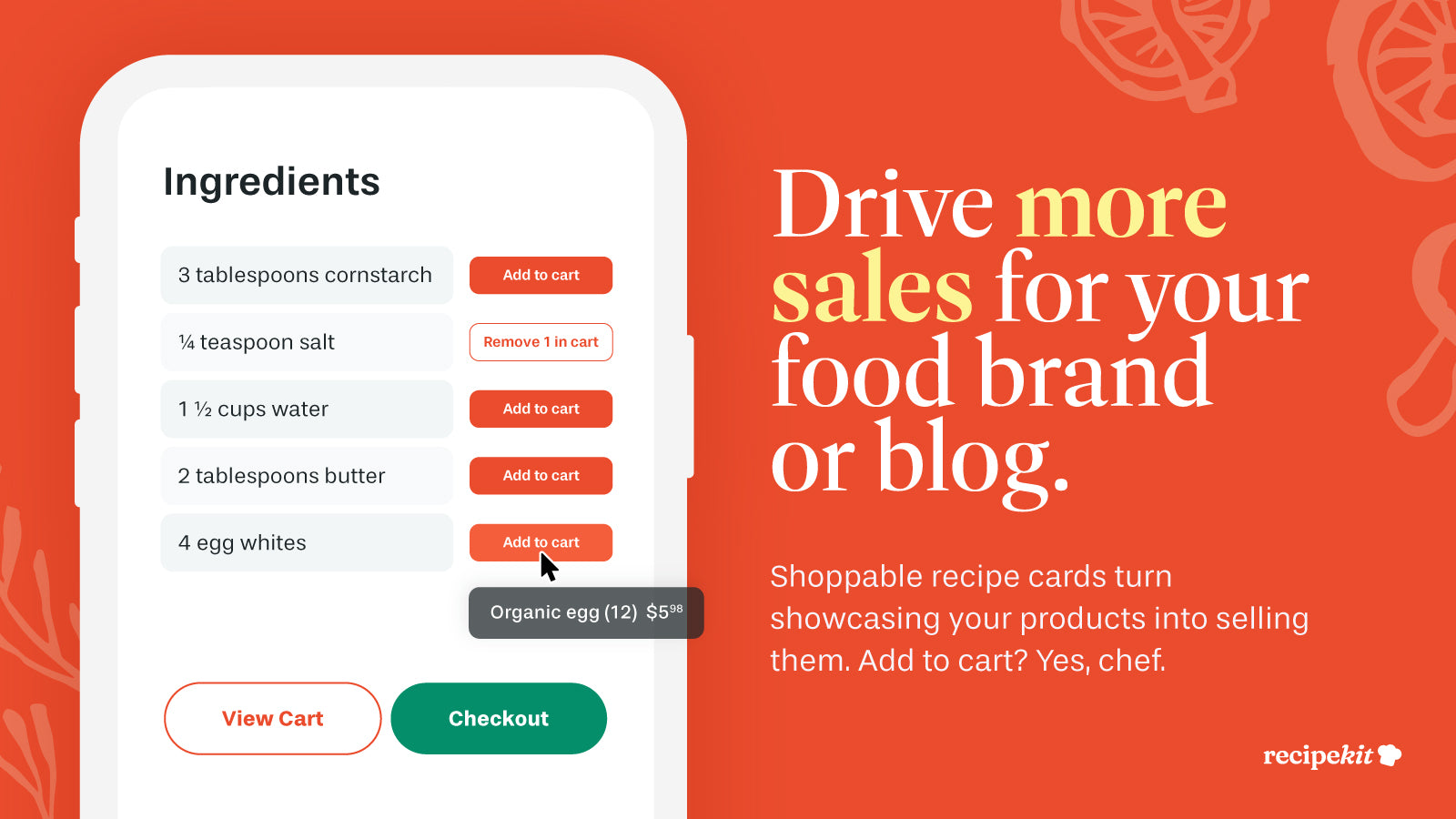
Food is an experience. Recipe Kit turns your Shopify blog into a cooking hub. It allows you to create beautiful, SEO-optimized recipe cards that include "shoppable" ingredients. By connecting your products directly to a recipe, you provide immediate value to the customer while boosting your average order value (AOV).
3. SS: Product Expiration Dates
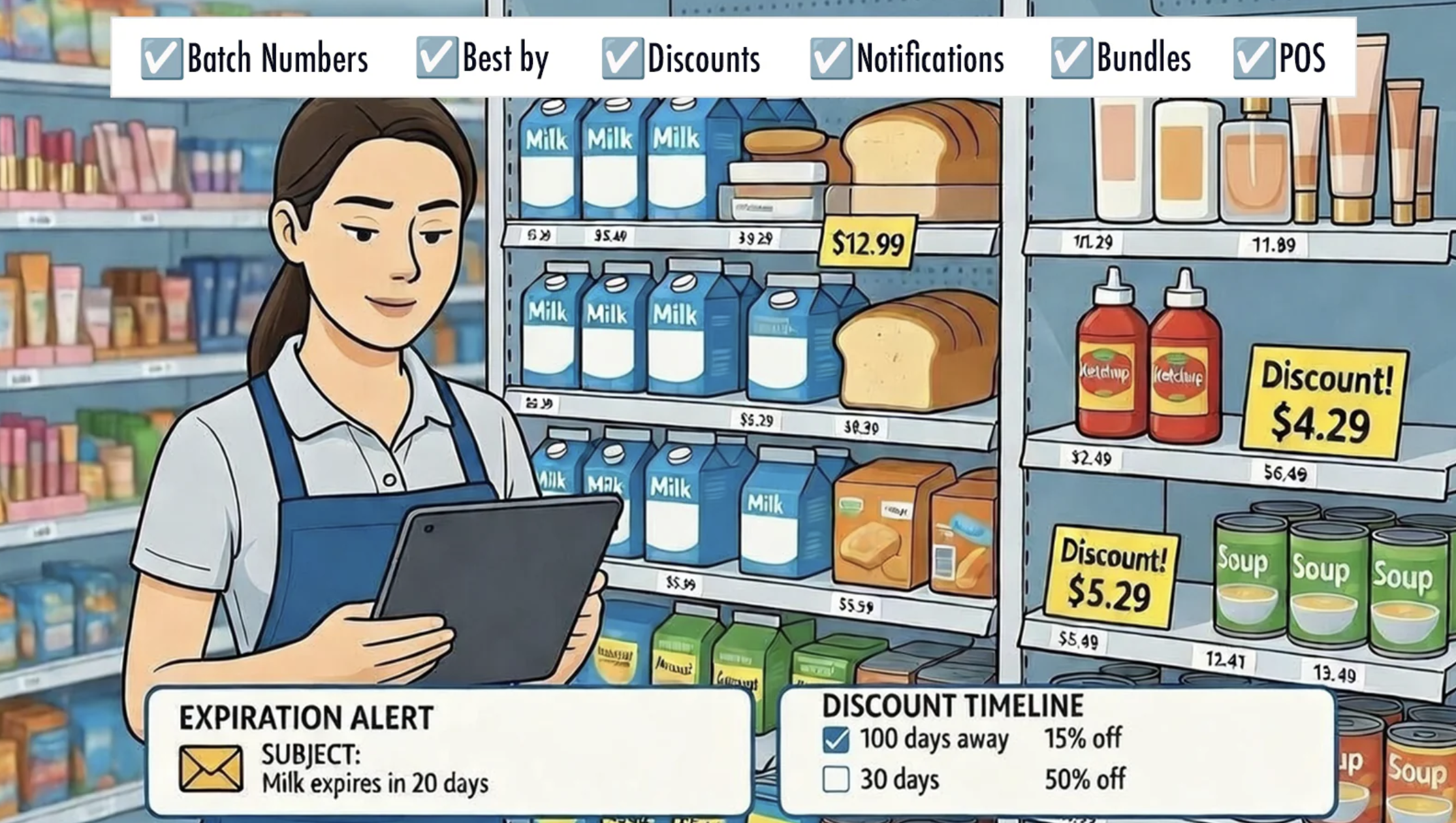
Managing inventory in the food industry is a race against the clock. This app helps you track "Best Before" and "Expiry" dates directly within your Shopify admin. It can automatically hide products that are past their prime or trigger discounts as an item nears its expiration date, reducing waste and protecting your reputation.
4. Lably - Product Labels & Badges
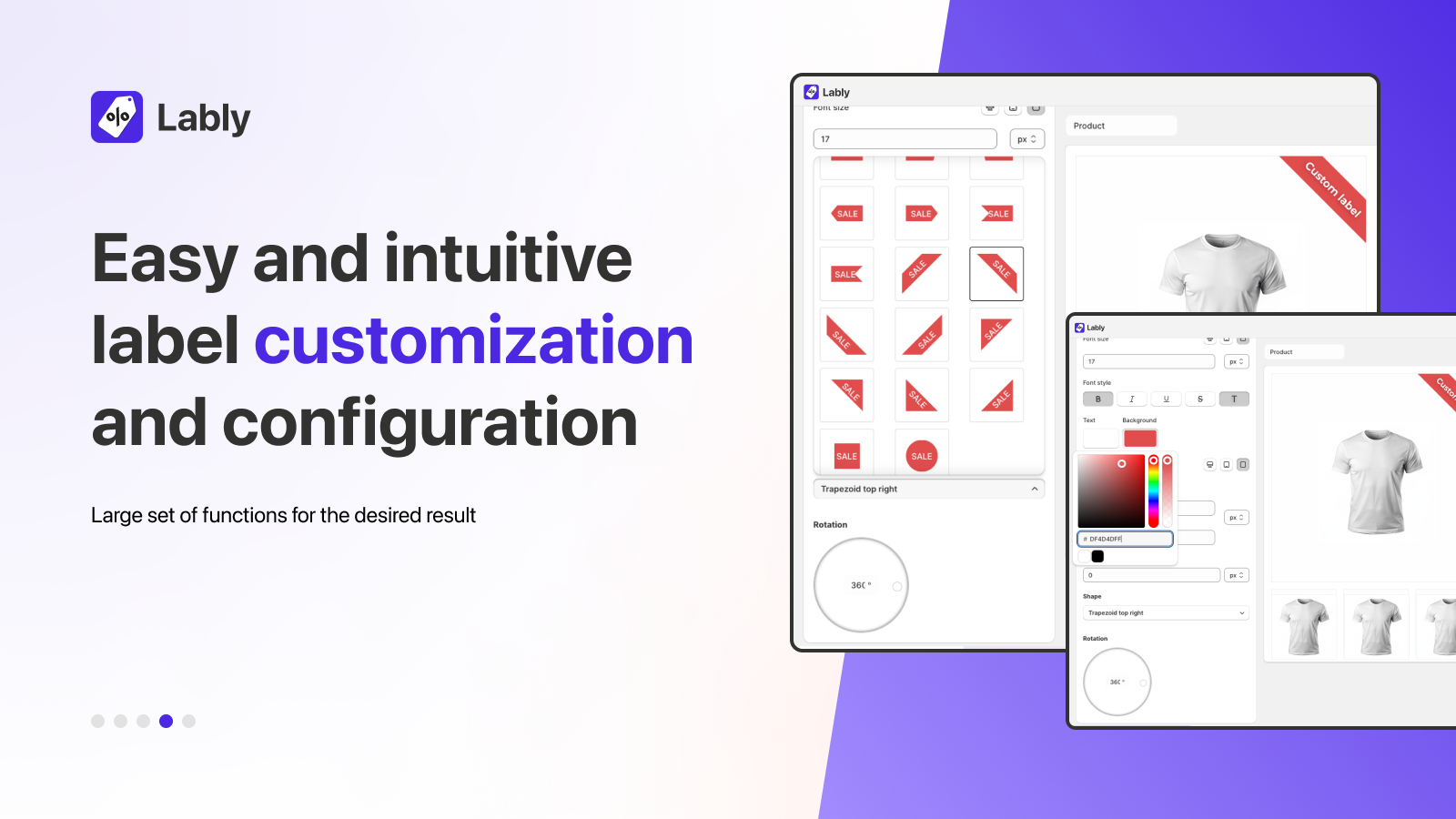
Lably lets you add custom badges like "Vegan," "Gluten-Free," "Organic," or "Keto" to product images to highlight USP. These visual cues help customers filter through options quickly and make informed purchasing decisions without clicking into every product page.
5. Pickup Delivery Date Pickeasy
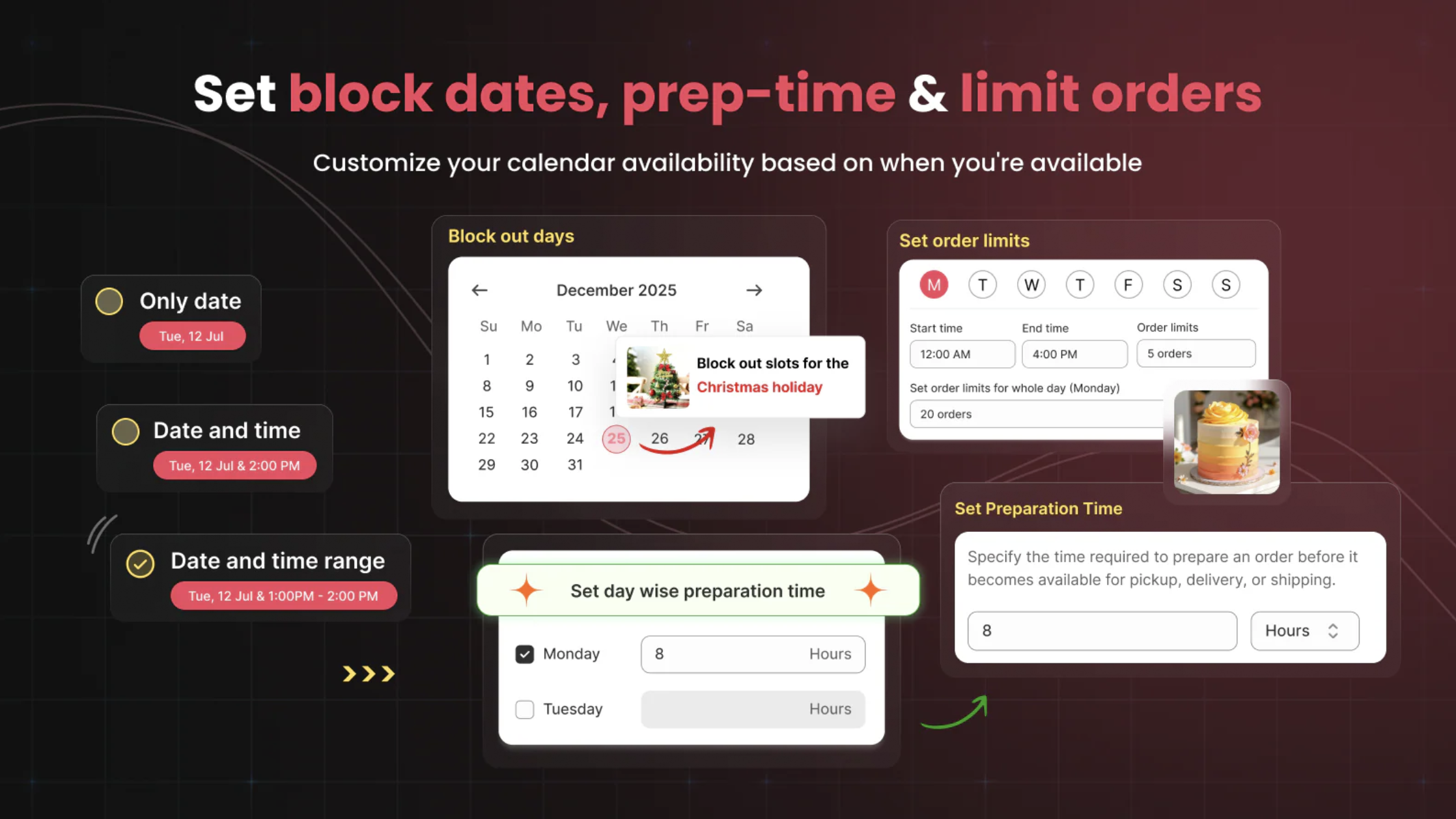
If you sell perishables like baked goods or meal kits, you can't leave delivery to chance. Pickeasy adds a date and time picker to your cart page. It allows you to set lead times (e.g., "order 2 days in advance"), define blackout dates for holidays, and manage local pickup slots to ensure your food is never sitting in a warehouse too long.
Bonus: expert tips for selling food on Shopify
- Prioritize Mobile Accessibility: Most grocery and food shopping happens on mobile. Ensure your nutrition labels and ingredients lists are responsive and easy to read on small screens.
- Automate Your Metafields: Use apps that store data in Shopify Metafields. This ensures that even if you change your theme, your vital product data (like calories or ingredients) remains intact.
- High-Quality Visuals: Since customers can't smell or taste your product, your photography and "unboxing" videos are your primary sales tools.
FAQs
Is it mandatory to add nutrition facts, supplement labels, and ingredients on product pages?
In most jurisdictions, yes. Agencies like the FDA and the European Food Safety Authority require specific disclosures for packaged goods. Even where it isn't legally mandated, 70% of modern consumers report checking ingredient lists before buying a new food product online. Therefore, it’s better to use apps like KL - Nutrition Facts Labels in your store.
What are FIC regulations for selling food on Shopify?
The Food Information to Consumers (FIC) regulation is an EU mandate. It requires online food sellers to provide the same mandatory information as physical packaging before the purchase is concluded. This includes allergens, net quantity, and a nutrition declaration.
Supplement facts vs. nutrition facts - what’s the difference?
The main difference lies in the intent and regulation. Nutrition Facts are for conventional foods (meats, snacks, cereal). Supplement Facts are for products intended to supplement the diet (vitamins, minerals, herbs). Supplement labels must list every dietary ingredient and often include a "percent daily value" that differs from standard food.
Our take on food stores
Building a successful food store on Shopify is about balancing transparency with efficiency. By automating the "boring" but vital parts — like label compliance and expiration tracking — you free up your time to focus on what actually matters: the quality of your ingredients and the satisfaction of your hungry customers.
Related reading
Recommended for you